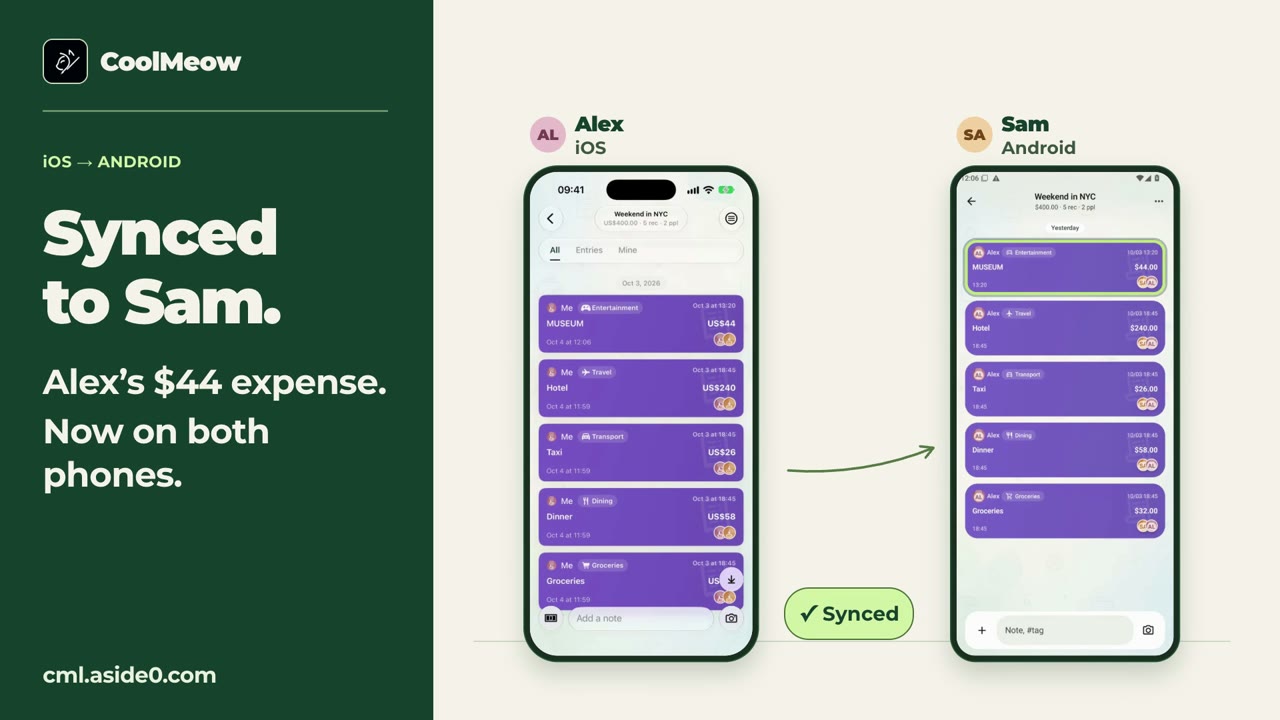
Give the trip one shared ledger
Create a ledger for the trip, choose its currency, and invite the people involved. This example uses USD for all six expenses, so the amounts can be added directly. Sharing and syncing are Basic features.
For every entry, record the actual payer and the people who shared that purchase. The example has Alex and Sam participating equally in all six entries. A larger group may have different participants for different costs.
Record the six expenses
| Expense | Amount | Paid by |
|---|---|---|
| Hotel | 240 | Alex |
| Taxi | 26 | Alex |
| Dinner | 58 | Sam |
| Groceries | 32 | Sam |
| Museum | 44 | Alex |
| Coffee | 12 | Sam |
| Total | 412 | Two people |
Alex paid USD 310: 240 + 26 + 44. Sam paid USD 102: 58 + 32 + 12. Attach receipts or a short note when the group will need context later.
Check the entries behind the charts
In the ledger’s Overview, review spending by category and member. Compare the paid amounts with the allocated shares. Open the entries behind a category or total if a number seems wrong.
Check for a repeated entry, a missing purchase, the wrong payer, or an expense assigned to everyone when only some people participated. Correct the entry first, then review the balance again.
Review the suggestion before paying
Open Settle and compare the suggested balances with the entries you have checked together. CoolMeow’s suggestion is a calculation; the app does not send money.
Arrange any actual payment using a method agreed by the people involved. For multi-currency trips, also check the original currency and conversion used in the ledger before relying on the final amount.
Watch the shared-ledger example
A 46-second recording of the actual iOS and Android apps, using sample data. Waiting time is edited out. The suggested split is a calculation.