
On this page
Decide what belongs in the shared book
Start with the costs you both consider shared. Groceries, meals together and a household internet bill might belong in the book. A solo lunch or a gift might belong in a personal book instead. Agree on which purchases belong there before either of you starts adding them.
In the worked example here, Alex and Sam share four household purchases equally. Alex's USD 50 personal purchase stays in Alex's personal ledger and is outside the shared USD 200 total.
You can use CoolMeow without sharing a bank login. It records the expenses you enter and calculates shares; it does not connect to your bank or make payments.
Set up one household ledger
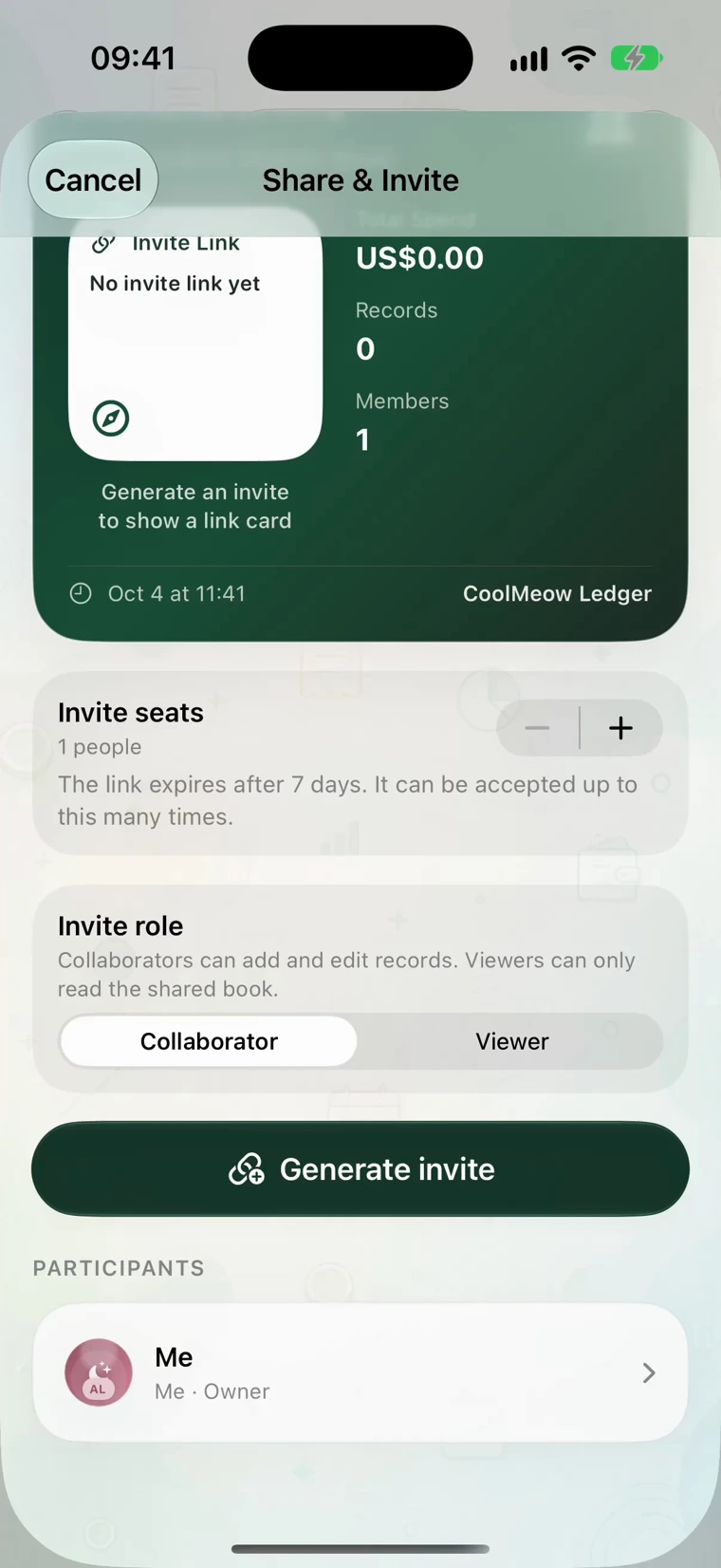
One person creates a book such as Home, Alex & Sam and chooses its main currency. That person opens Share & Invite and invites the other as a collaborator. Each person uses their own account, including when one uses iPhone and the other Android.
The owner needs an active Basic membership for sharing. The invited partner does not need a separate Basic subscription to join. A viewer role is available if someone should read the book without editing it.
The two-phone setup guide shows the invite and join screens. Once you are in the same book, make one small test entry and find it on the other phone before entering a month's worth of costs.
A USD 200 month, recorded as four purchases
Alex and Sam use USD for this example. Each entry has one payer and both people selected as participants.
| Purchase | Amount (USD) | Paid by | Each person's share |
|---|---|---|---|
| Groceries | 80 | Alex | 40 |
| Dinner | 60 | Sam | 30 |
| Internet | 40 | Alex | 20 |
| Home supplies | 20 | Sam | 10 |
| Total | 200 | Alex: 120; Sam: 80 | 100 each |
Swipe the table to see every column.
Alex paid USD 120 and Sam paid USD 80. Both should bear USD 100, so Sam owes Alex USD 20. After that payment, Alex's cost is 120 − 20 = 100 and Sam's is 80 + 20 = 100.
This calculation uses equal shares for every listed purchase. If you have a different agreement, review the allocation supported by the entry form rather than assuming that selecting both people describes it.
Keep the explanation with the purchase
A record called Home supplies may be hard to recognize a month later. Add a receipt, photo or note such as Replacement light bulbs and cleaning supplies. The other person can understand the cost without asking you to reconstruct it.
For a receipt, the app prepares a draft that you can check before saving. Confirm the amount and currency, then choose the payer and participants. Receipt recognition has Basic usage limits; manual entry is available when you do not use it.
Use a title or note you will be able to search later. Separate books for a holiday and household costs also make the everyday total easier to review.
Spend a few minutes reviewing the month
Open Overview, use the date controls for the period you want, and look at the category totals. In this example, groceries are USD 80 and dinner is USD 60. Those numbers answer where the money went. The member totals answer who paid and who bore the cost.
Use Shared to read the cost allocated to each person and Paid to read who covered the purchases. In this example, Shared is USD 100 each, while Paid is USD 120 for Alex and USD 80 for Sam.
If a number looks wrong, open the records behind it. Check for a duplicate, a personal purchase included by mistake, or a bill assigned to the wrong payer. Correct the entry before agreeing on the balance.
Choose when to reimburse each other
Some couples review weekly; others do it after a trip or at the end of a month. Choose a rhythm you will actually follow. You can use the ledger for visibility even when you do not plan to reimburse every small difference.
In the USD 200 example, the result is Sam paying Alex USD 20. Review it together in Settle, then arrange the payment separately if that is your agreement. The calculation relies on the entries and participants you recorded.